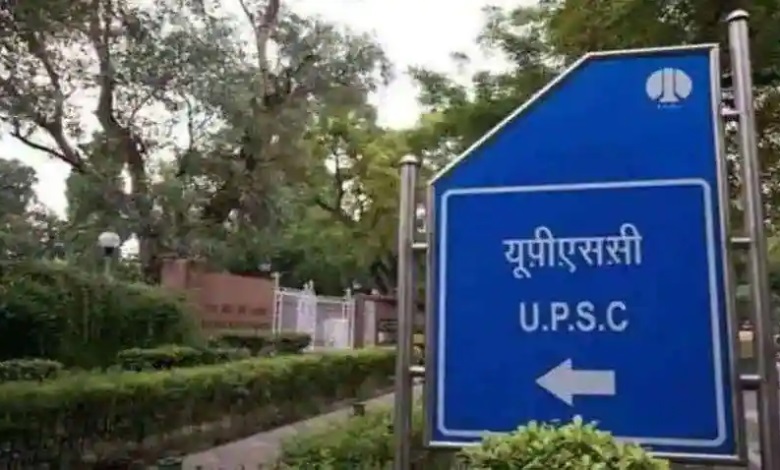
UPSC Mains Admit Card 2026: The Union Public Service Commission (a constitutional body in India) has released the admit cards on its official website for the upcoming Civil Services Examination (CSE) Mains 2026.
Candidates who have cleared the Preliminary examination and registered for the Mains examination can download their hall tickets (Admit Card) from upsc.gov.in or upsconline.nic.in. To view the admit card, candidates must log in to the portal using their registration details.
The UPSC CSE 2026 Mains examination will be conducted on August 21, 22, 23, 29, and 30. The admit card is a mandatory document that candidates must carry with them on all days of the examination. Candidates failing to bring it will not be granted entry into the examination hall.
The UPSC CSE is a national-level qualifying examination conducted by the UPSC to fill officer vacancies in Group A and B services, such as IAS, IPS, IRS, etc. The examination is conducted in three stages: Prelims, Mains, and an interview round for personality evaluation. The Preliminary examination was held earlier this year on May 24.
UPSC Mains Admit Card 2026: Step-by-step guide to download the hall ticket
Candidates appearing for the UPSC CSE Mains examination 2026 can follow the steps below to download their admit card from the Commission’s official website.
Step 1: Visit the official UPSC website – upsc.gov.in or upsconline.nic.in.
Step 2: Sign in to your account using your login details.
Step 3: On the candidate dashboard, click on the ‘Examination’ tab located in the top menu.
Step 4: From the dropdown menu, tap on “Download UPSC CSE 2026 Mains admit card.” Step 5: Download the admit card and take a printout. After downloading the hall ticket, candidates should check all the details mentioned on it. If they find any discrepancy or error, they should contact the concerned authority to get it rectified before the day of the exam.